
Zoom backgrounds
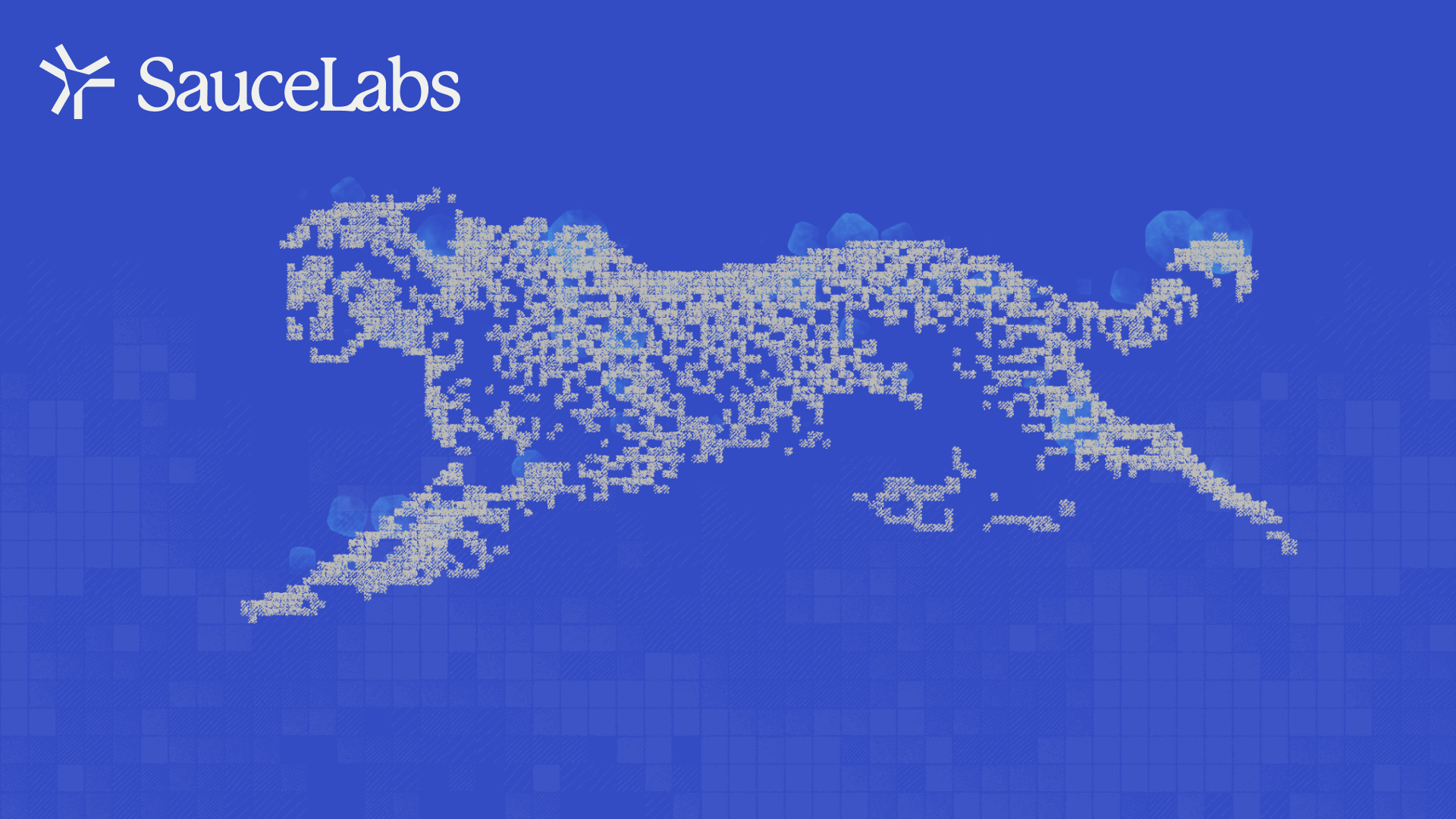
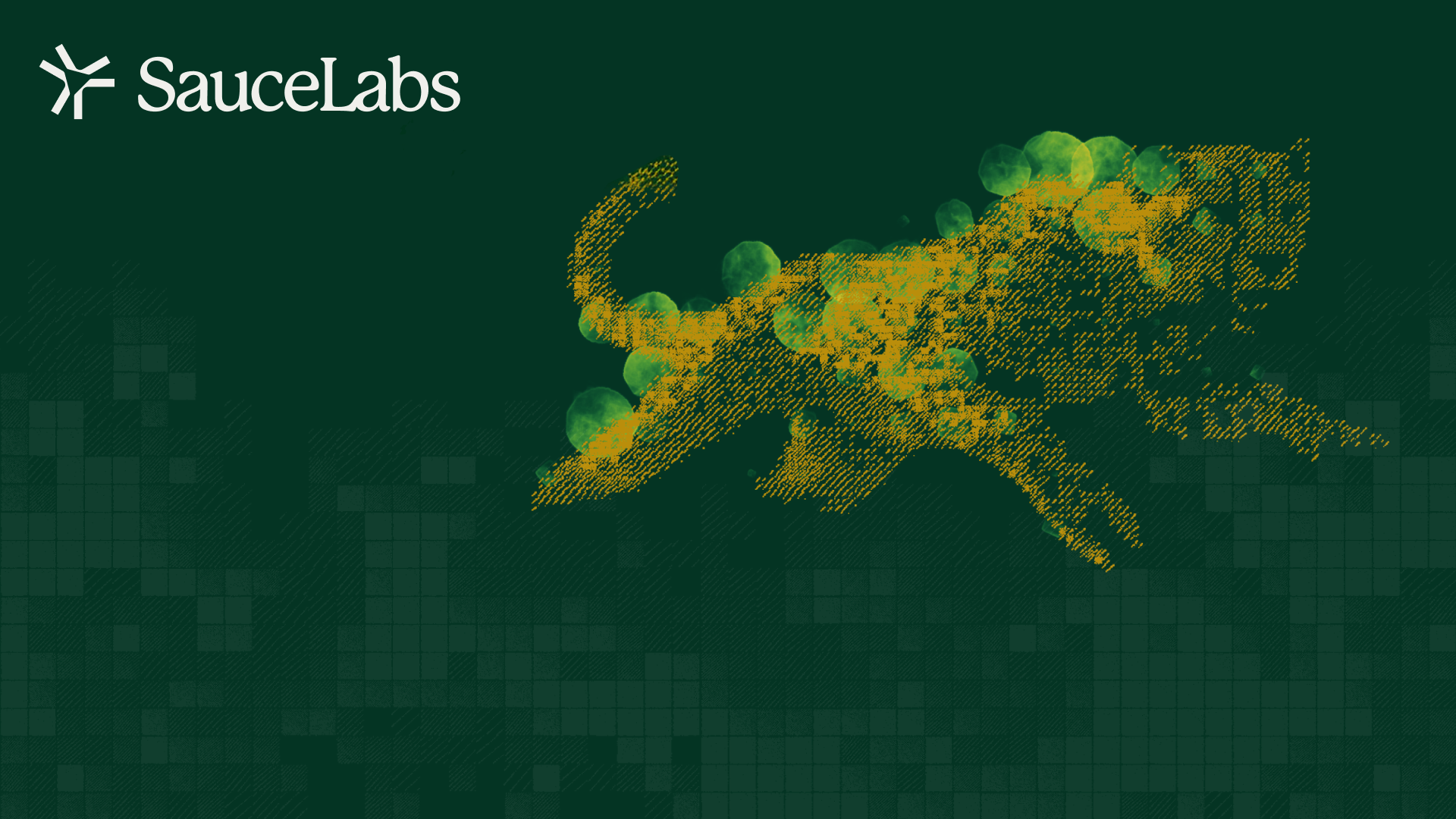
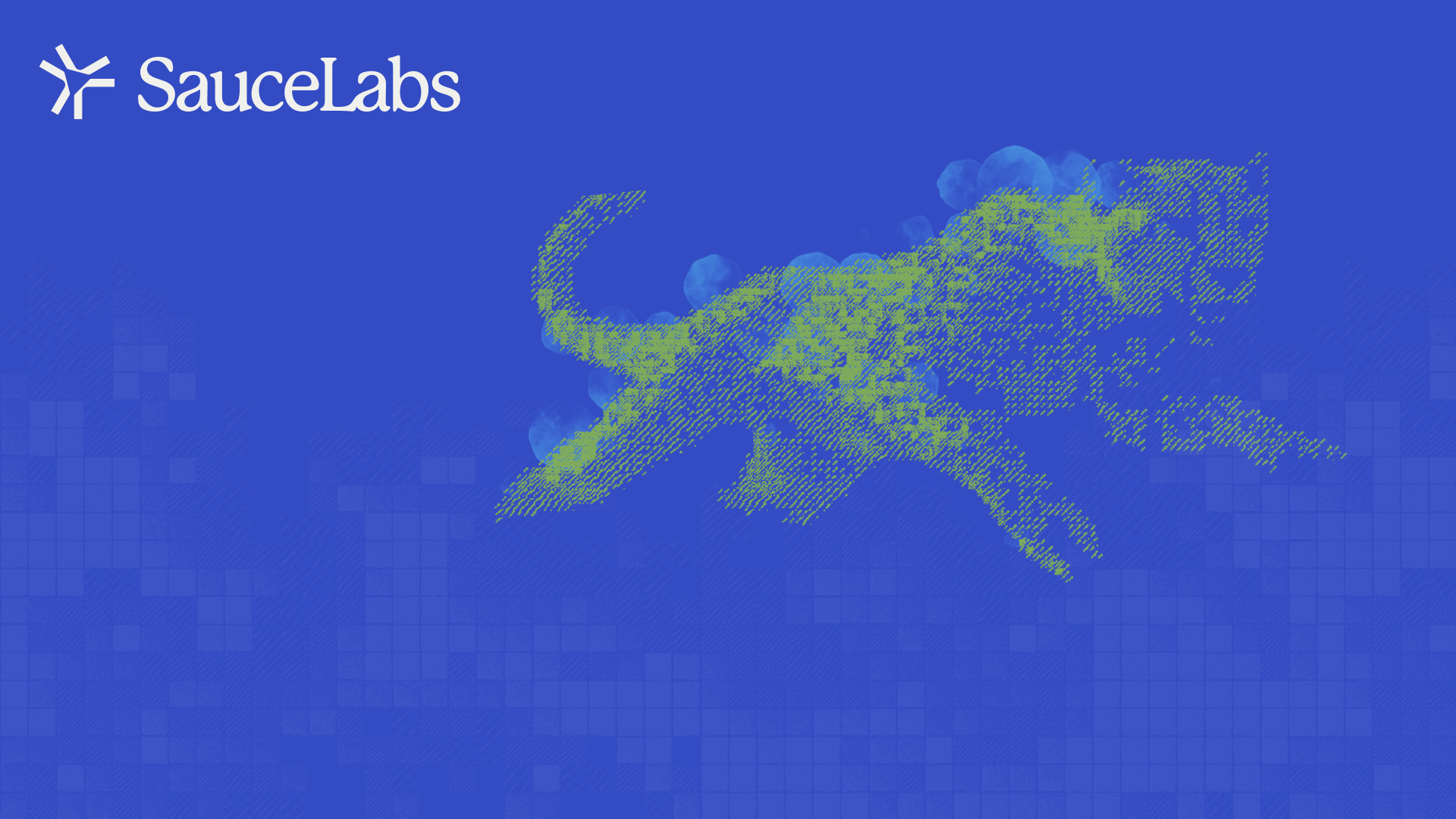
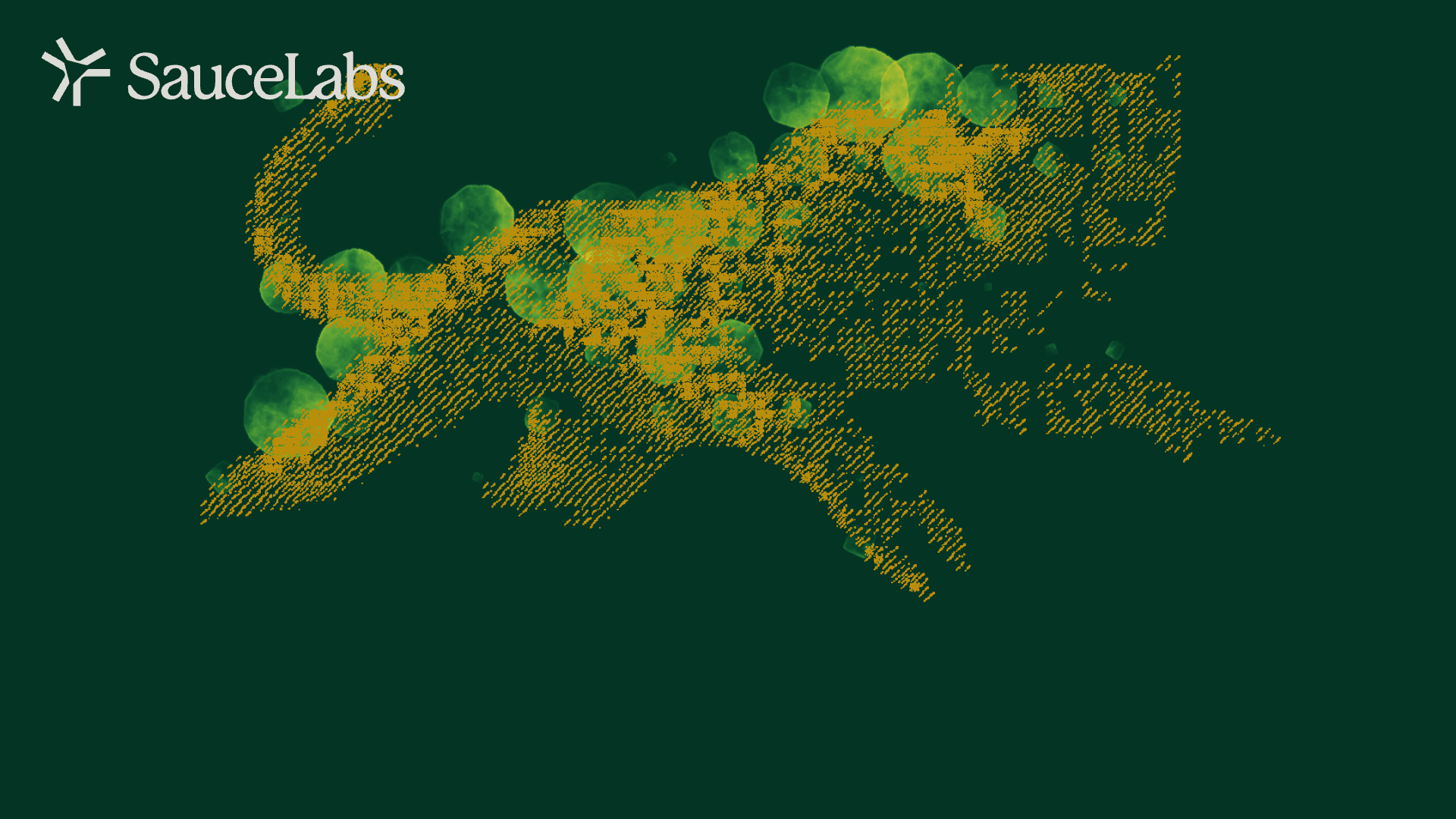
Official Sauce Labs virtual backgrounds. Click any image to download it, then follow the setup steps at the bottom of the page.
Accented




Cheetah



Color Fill




Dark Fill

Mark Repeat


First time?
How to set a Zoom background
- Click a background above — it downloads to your Downloads folder.
- Open Zoom and click your profile picture (top right), then Settings.
- Choose Background & effects in the left sidebar.
- Click the + button on the right and choose Add image.
- Select the file you downloaded — it applies immediately, and Zoom remembers it for every future meeting.
In a meeting already? Click the arrow next to Stop Video and pick "Choose virtual background" to reach the same screen. If backgrounds look mirrored to you, don't worry — everyone else sees them the right way around.